Version 1.0.0
SaaSFlow documentation
SaaSFlow HubSpot Theme is a premium HubSpot CMS theme for SaaS, software and technology companies. Every section is a drag-and-drop module you can edit without code, in light or dark mode.
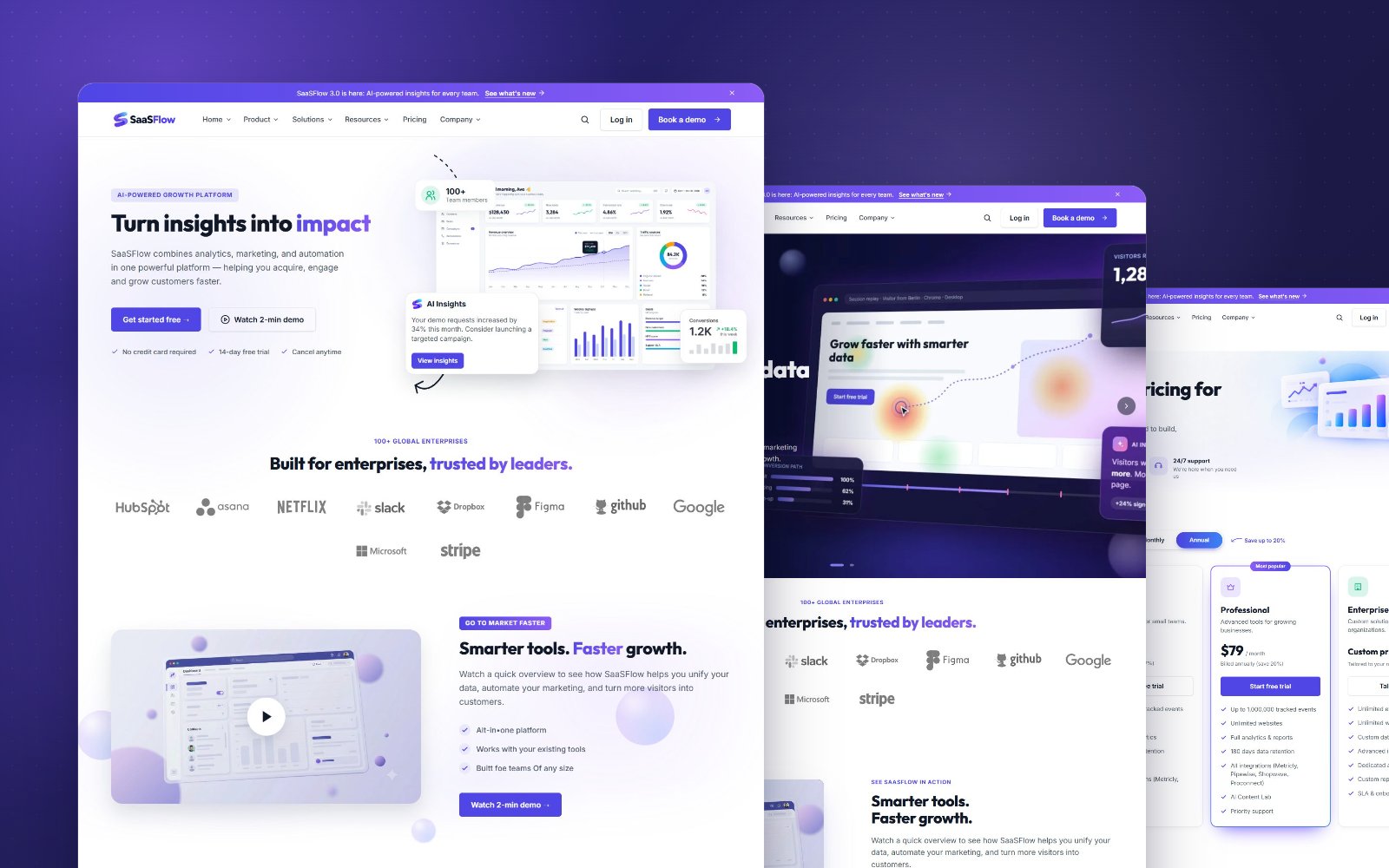
50custom modules
40page and blog templates
23ready-made sections
42light and dark colors
What is included
- Page templates for the homepage, product, solution, pricing, about, careers, contact, comparison, integrations and more, plus five homepage layouts (Homepage 1 to 5). Each opens with the same layout as the demo site.
- Blog templates for a standard blog, a guides or help center blog and a case study blog, with a redesigned comment form.
- Style presets that restyle the whole site in one click, plus full control over colors and fonts in light and dark mode.
- A flexible header with four designs, dropdowns and mega menus, search, an announcement bar and a language switcher, and a footer with a newsletter sign-up.
- System pages (404, 500, search, password, email subscription pages) styled to match.
- Built for speed and search: lazy-loaded images, minified CSS and JavaScript, structured data and accessible markup.
Where to start
Install the themeAdd SaaSFlow to your HubSpot account and set it as your theme.Set your brandChoose a preset, then your colors, fonts and buttons.Header and footerAdd your logo, menu and footer links once for every page.Create a pagePick a template and replace the demo content with yours.
New to HubSpot themes?
Theme settings change the whole site. Module settings change one section on one page. Global content (header, footer, breadcrumb) is shared by every page. Keep this in mind and the rest of the docs will make sense quickly.