Sections
Ready-made groups of modules you can drop into any drag-and-drop page, already styled.
Add a section
- Open the Add panelIn the page editor, click Add (the + button) and open the Sections tab.
- Drag it inDrag a SaaSFlow section into the page where you want it. It arrives with the demo text and styles.
- Edit it like any moduleClick each part to change its content and styles.
You can also save your own sections: hover a finished section, open its menu and choose Save section. Saved sections are available to every page.
Included sections

Closing call to action
A centered call to action on the brand gradient with two buttons.
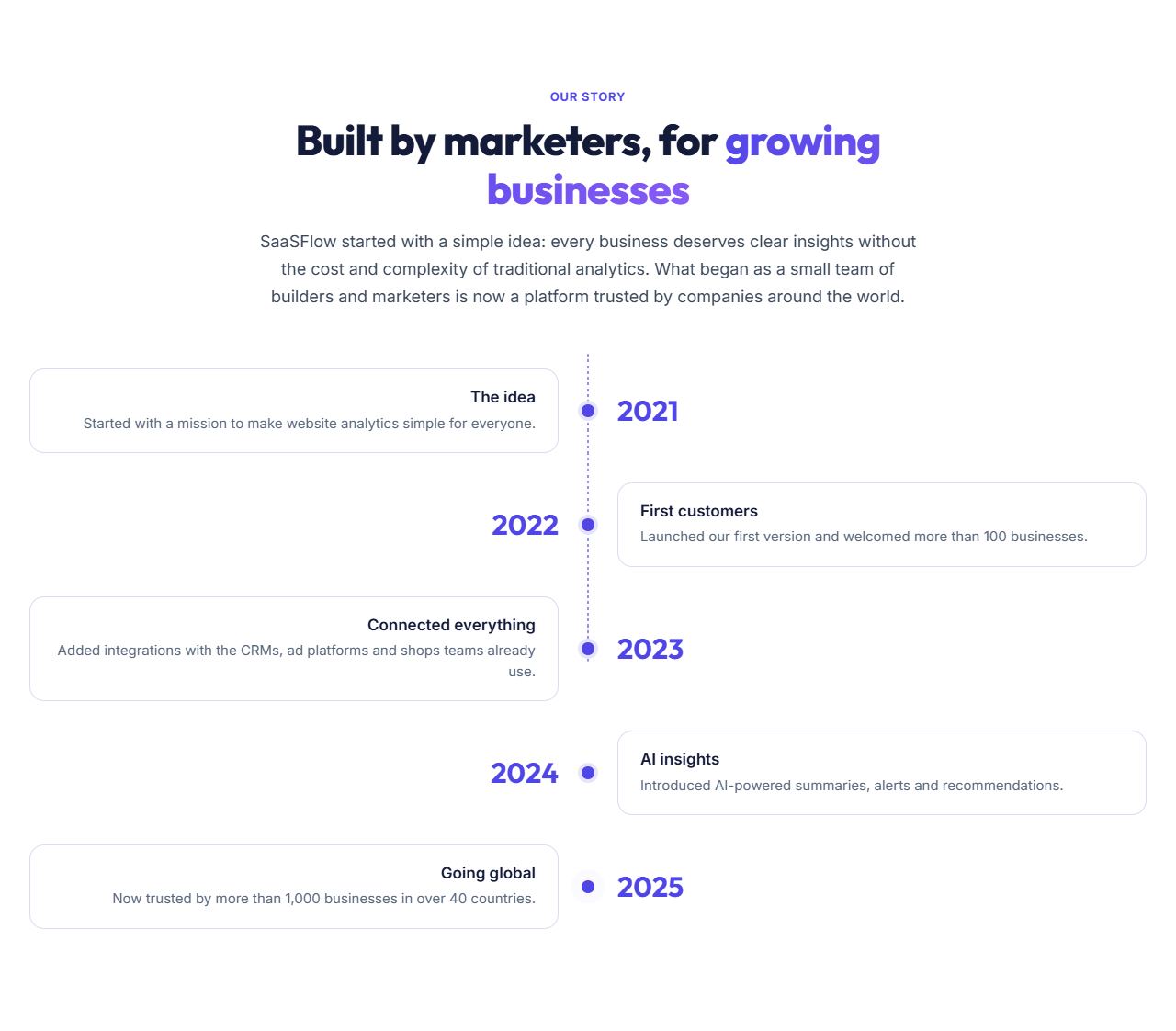
Company timeline
The company story as milestones on a timeline.
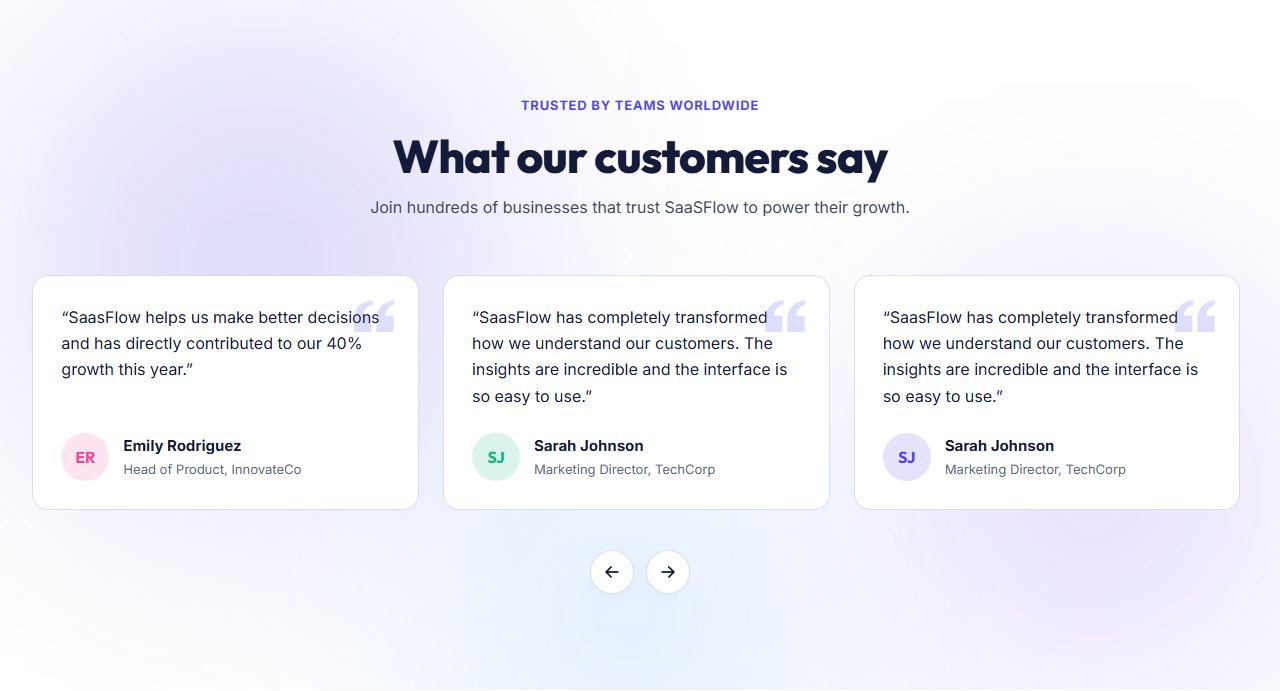
Customer reviews
Customer review cards with a rating summary.
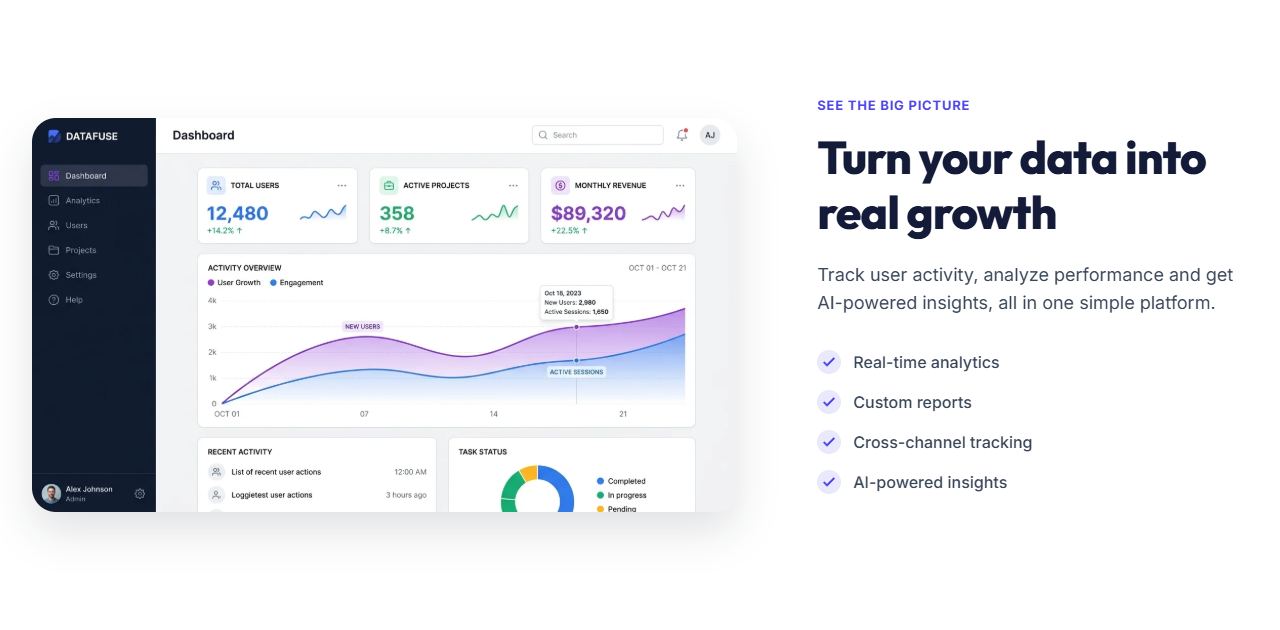
Feature spotlight
A feature list beside a large image with floating cards.
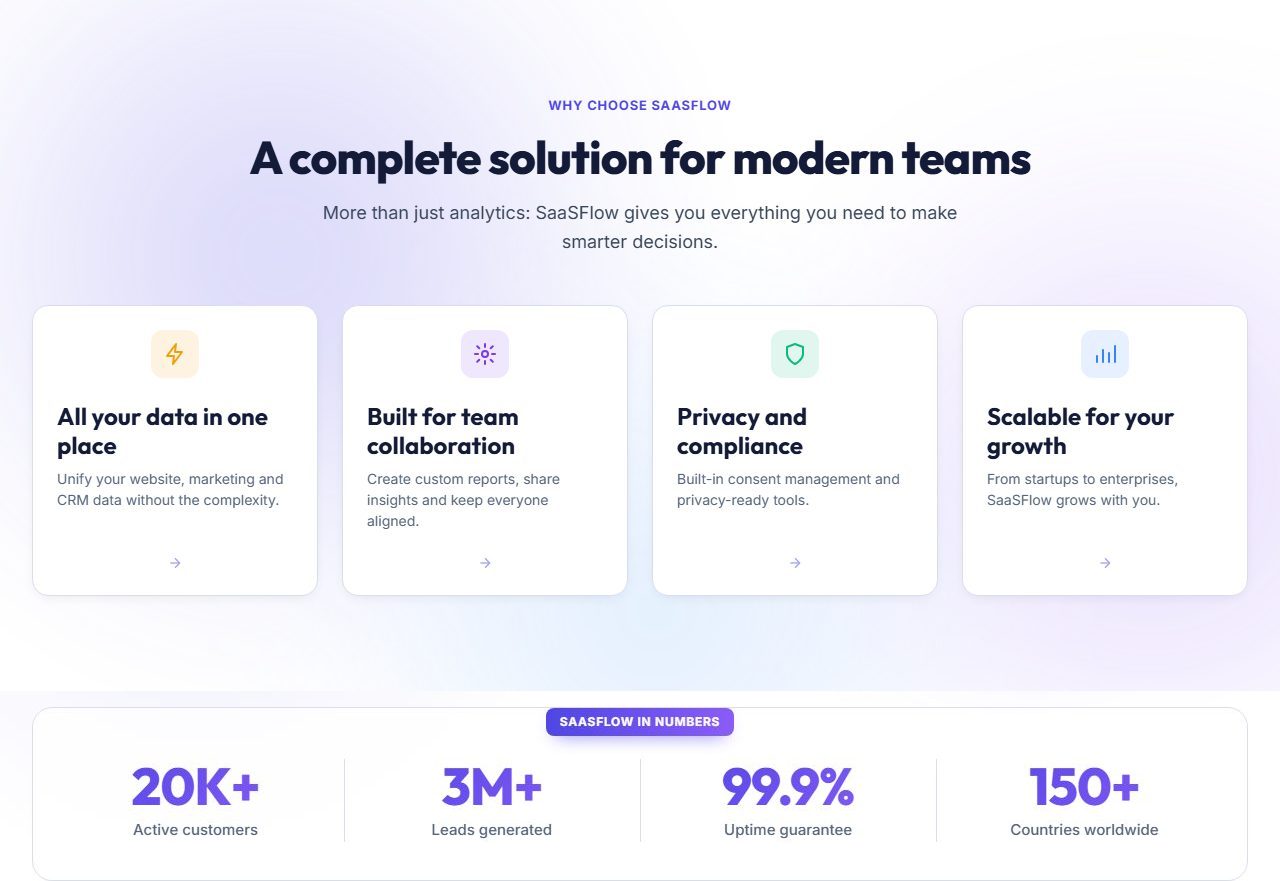
Features with stats
A grid of feature cards followed by a strip of key numbers on the brand gradient.
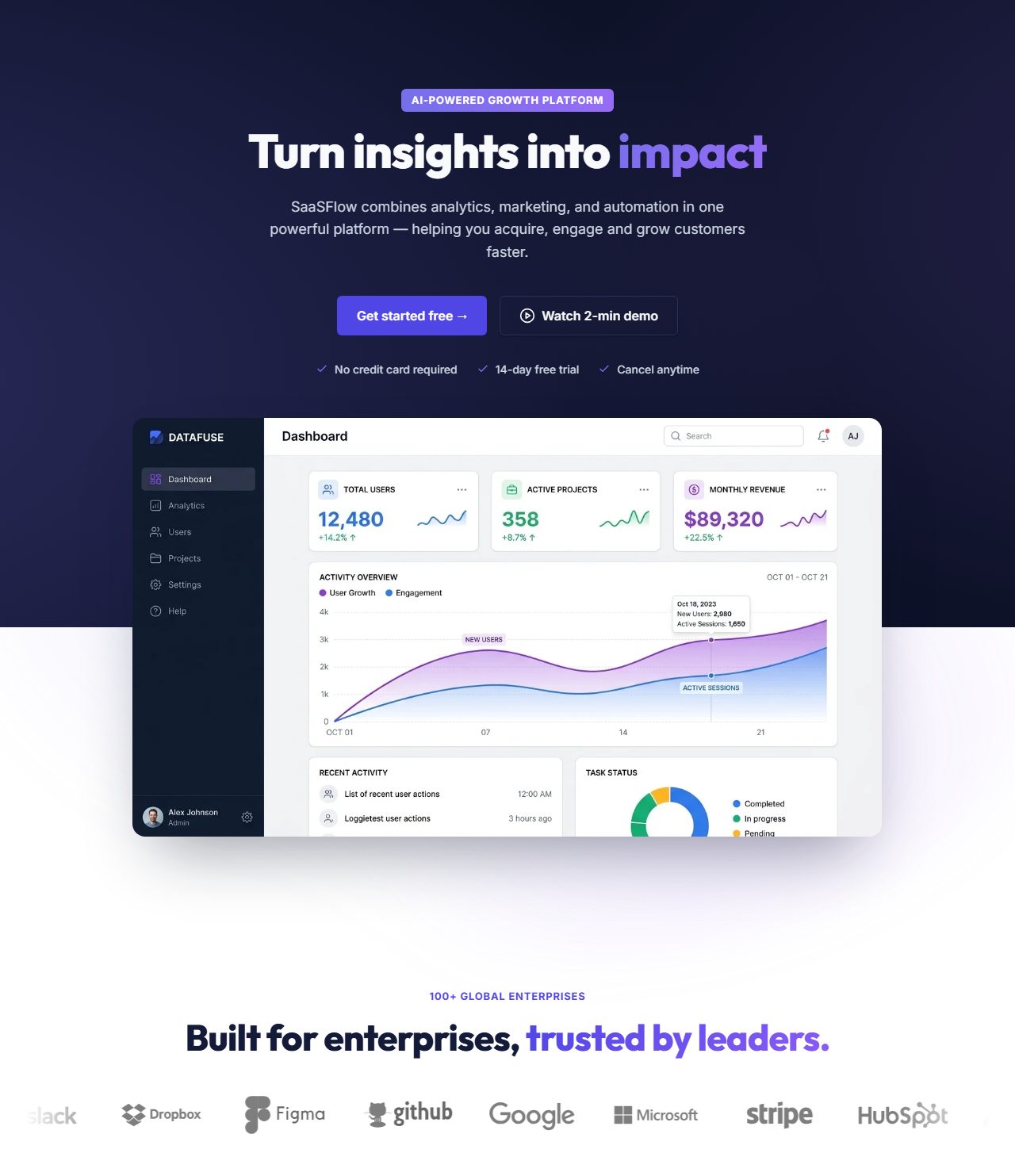
Centered hero with customer logos
Centered headline and buttons above a wide product image, followed by a scrolling strip of customer logos.
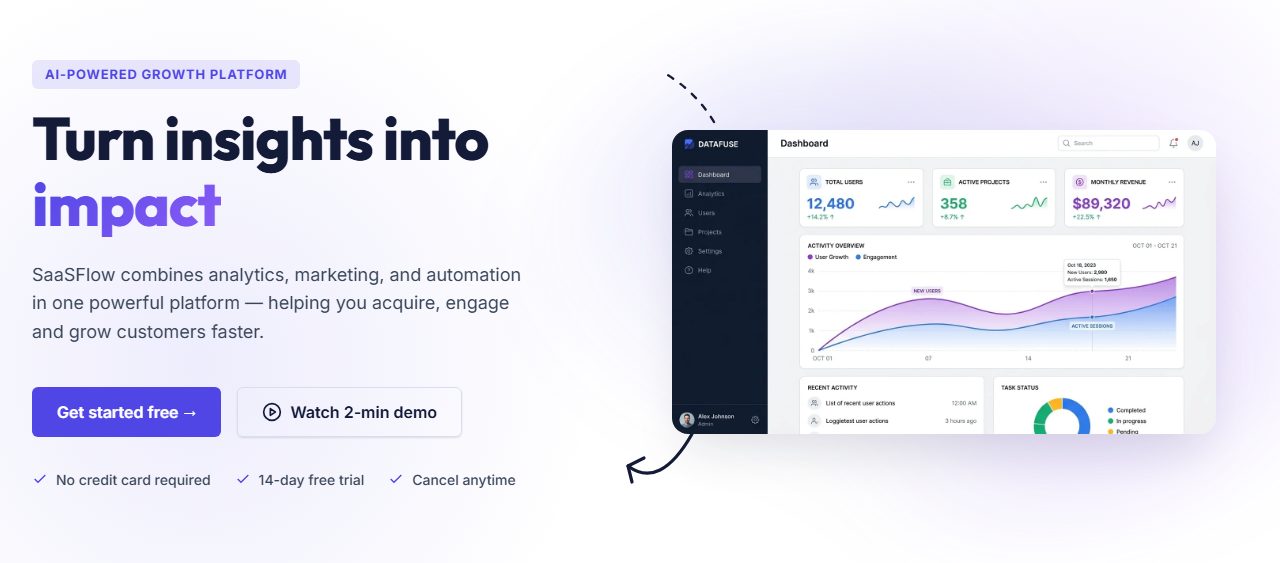
Hero with product screenshot
Headline, buttons and checklist on the left, product image on the right, with a flowing background glow.
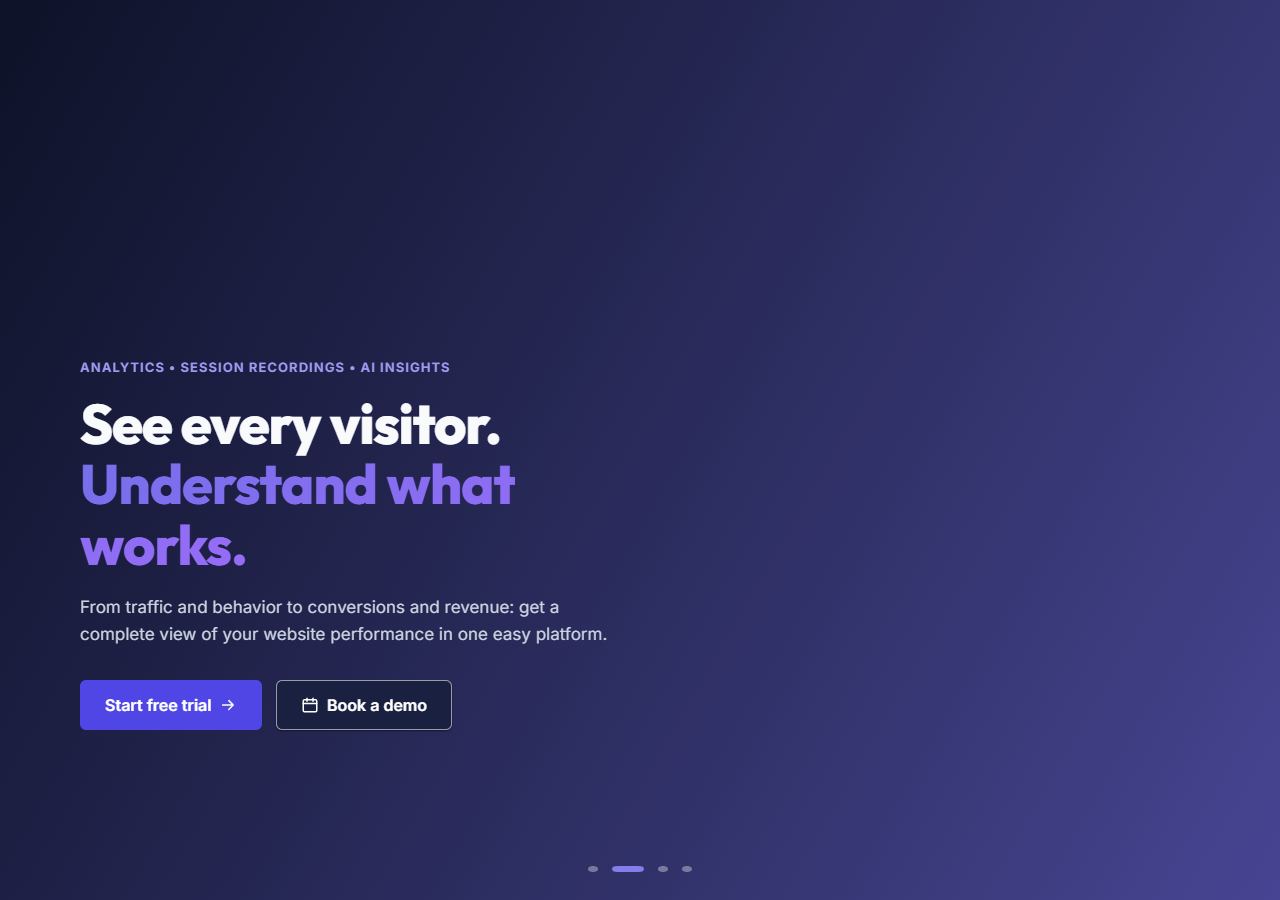
Hero slider
Full-width slides, each with its own image, heading and buttons, with feature points underneath.
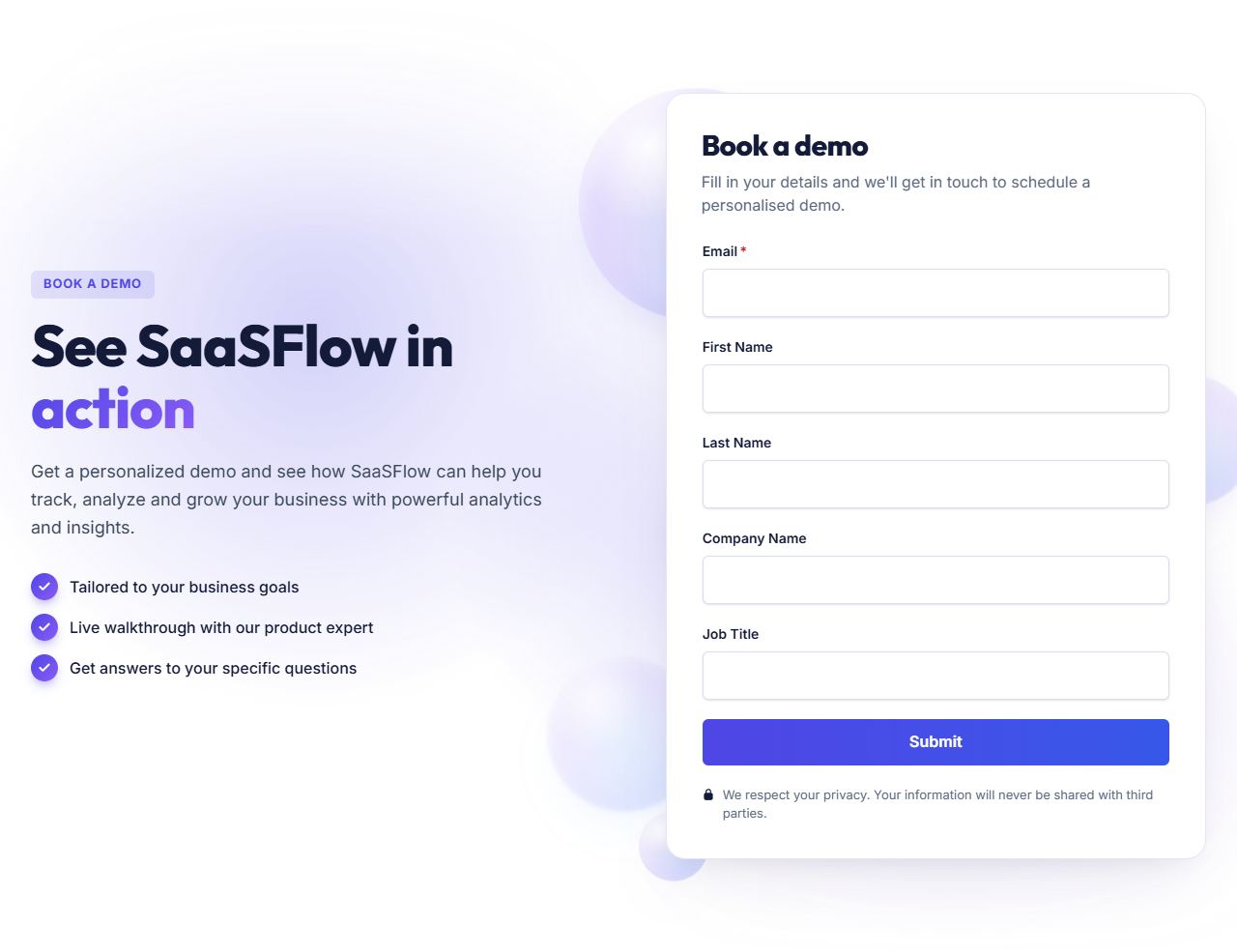
Hero with sign-up form
A heading, checklist and feature points beside a HubSpot form in a card.
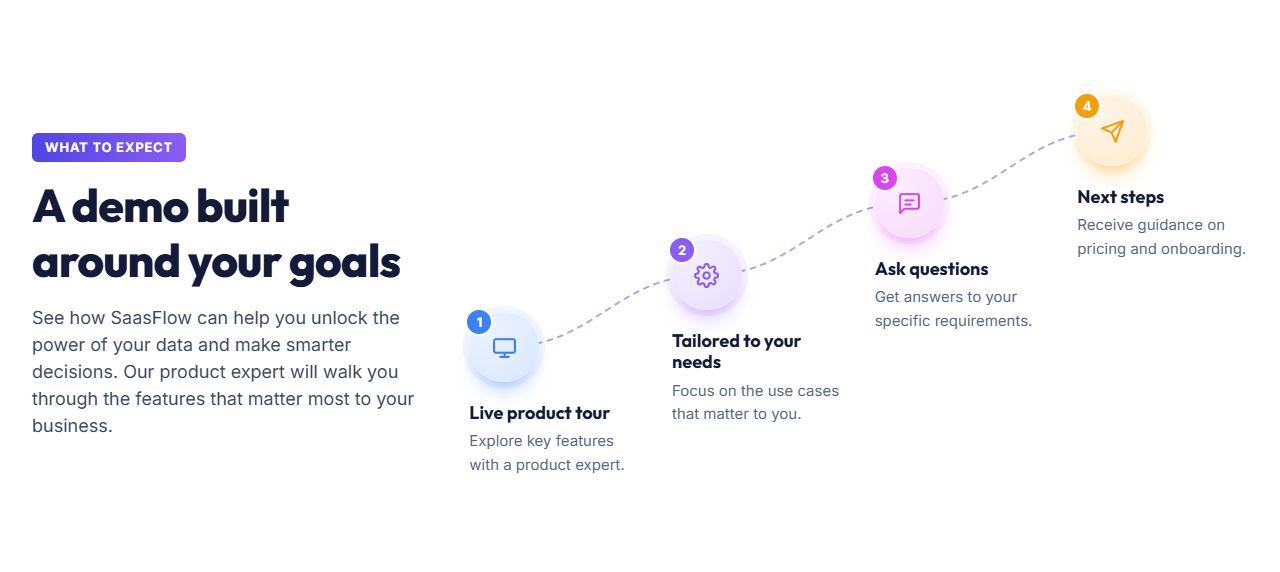
How it works
Numbered steps that explain how the product works, with a button.
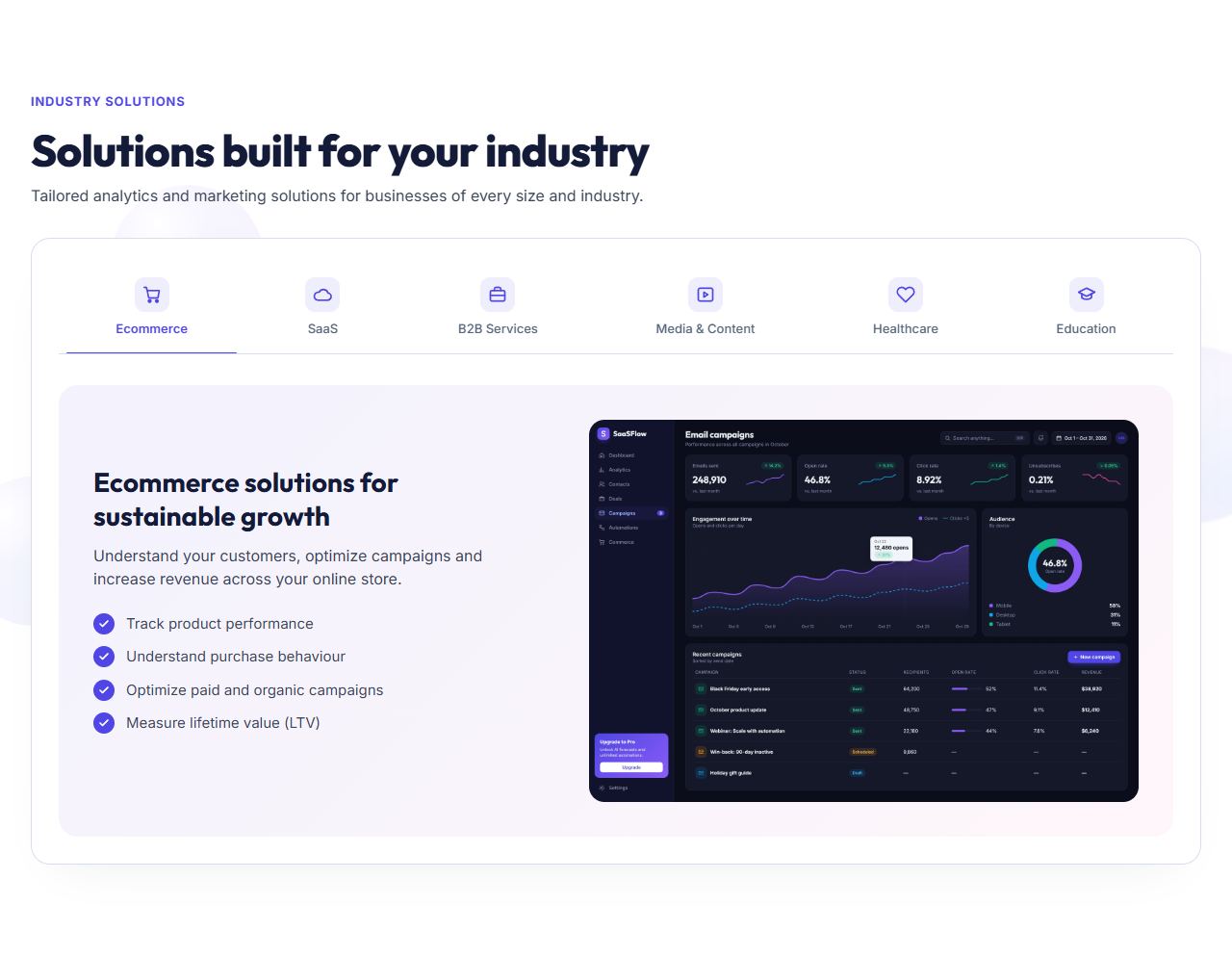
Industry tabs
A tab for each industry or audience, each with its own text, image and points.
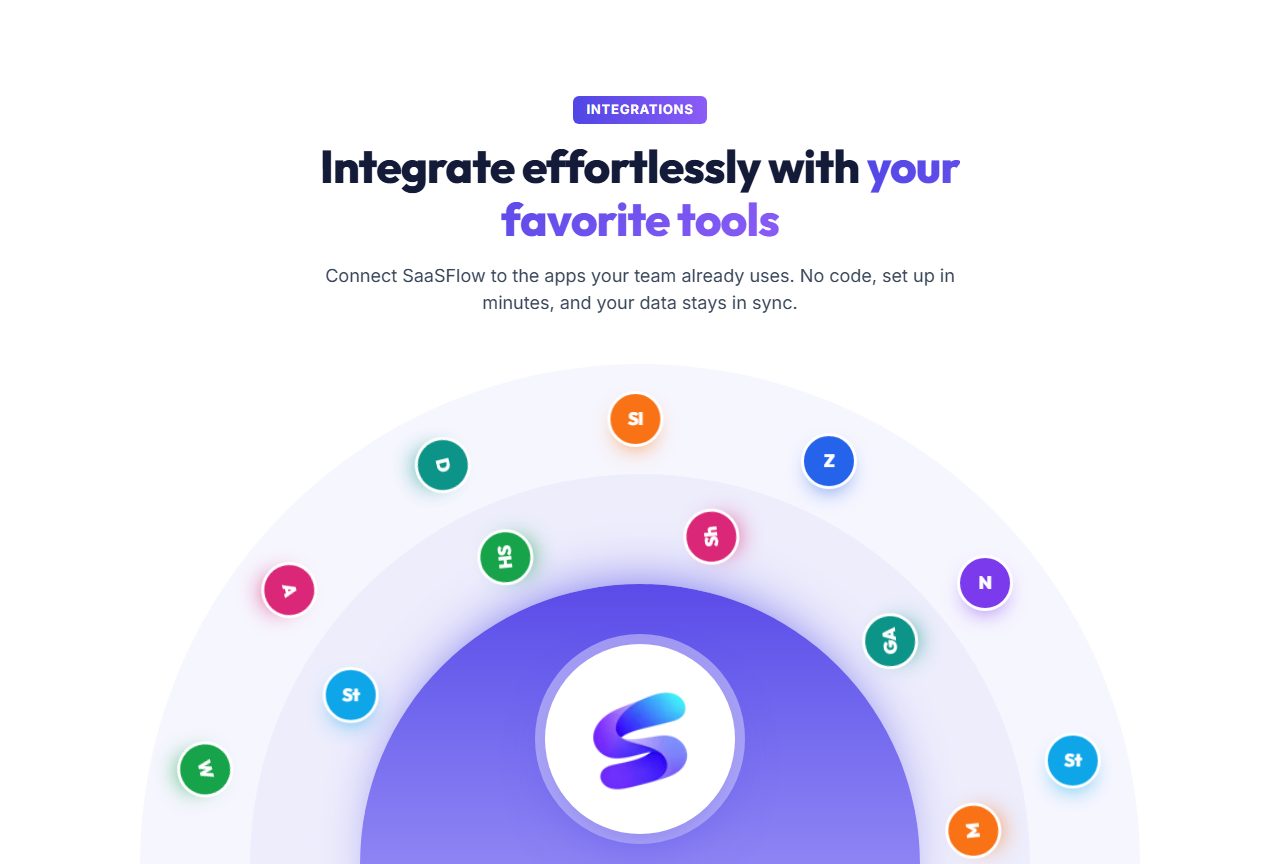
Integrations orbit
Your integrations' logos circling your logo on half-circle rings, with a heading and button above.
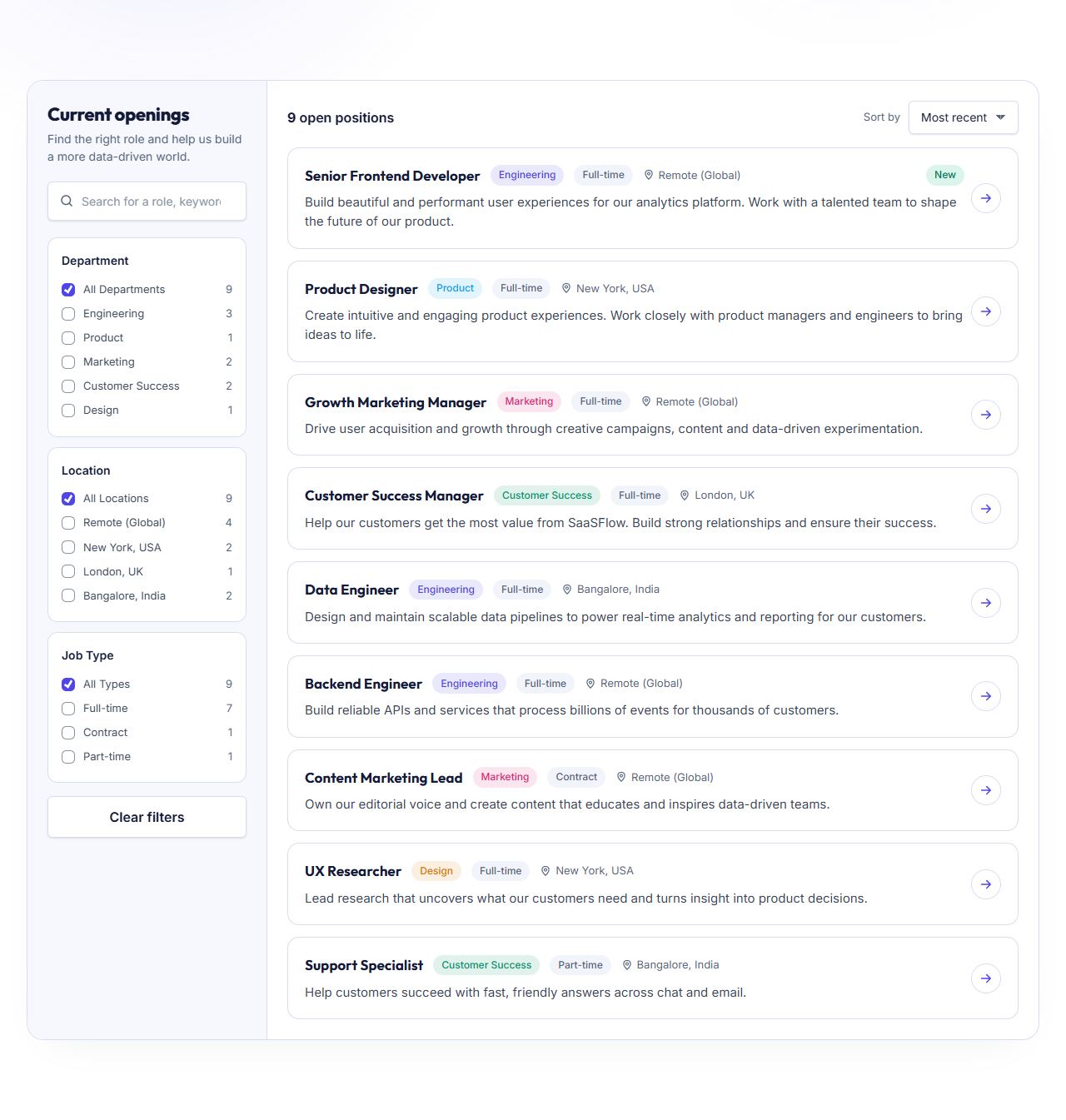
Job openings
A job board with search, filters and a details panel for each role.
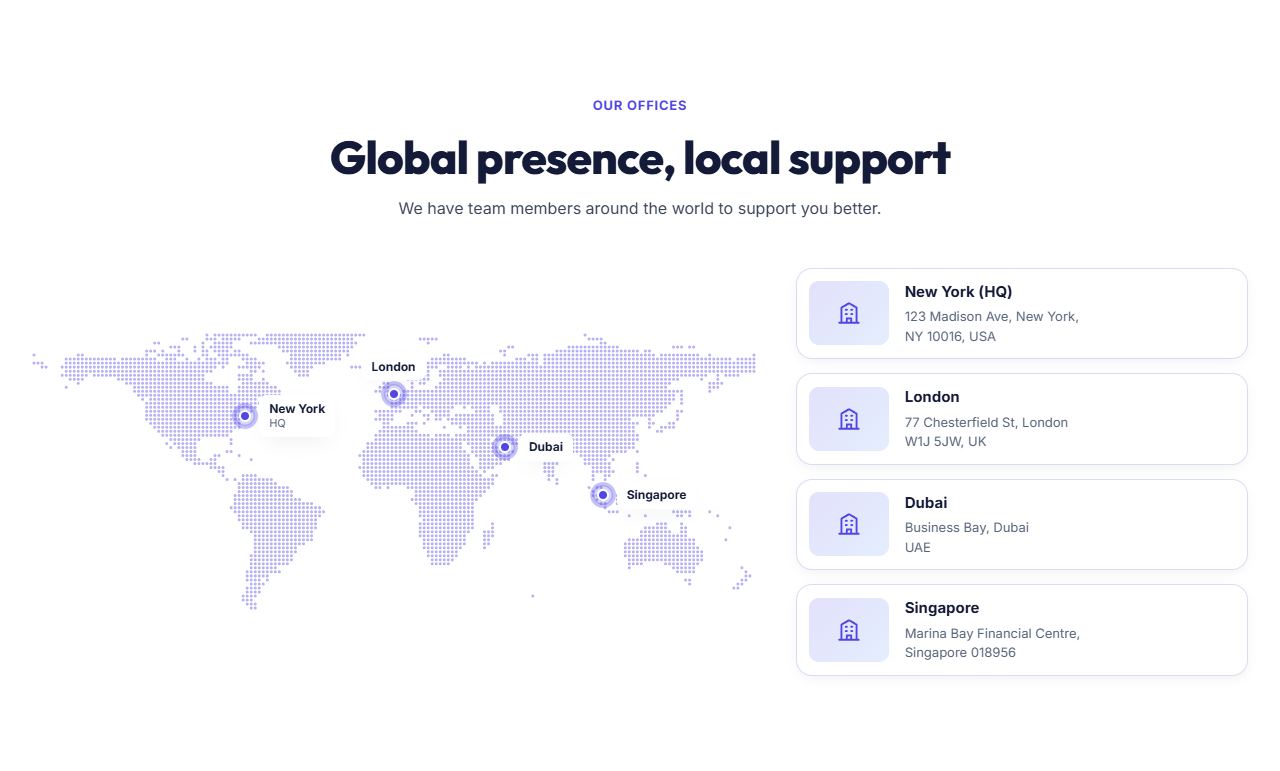
Office locations
Office cards with address and contact details.

Page header with badges
A header for inner pages with floating badges and buttons.
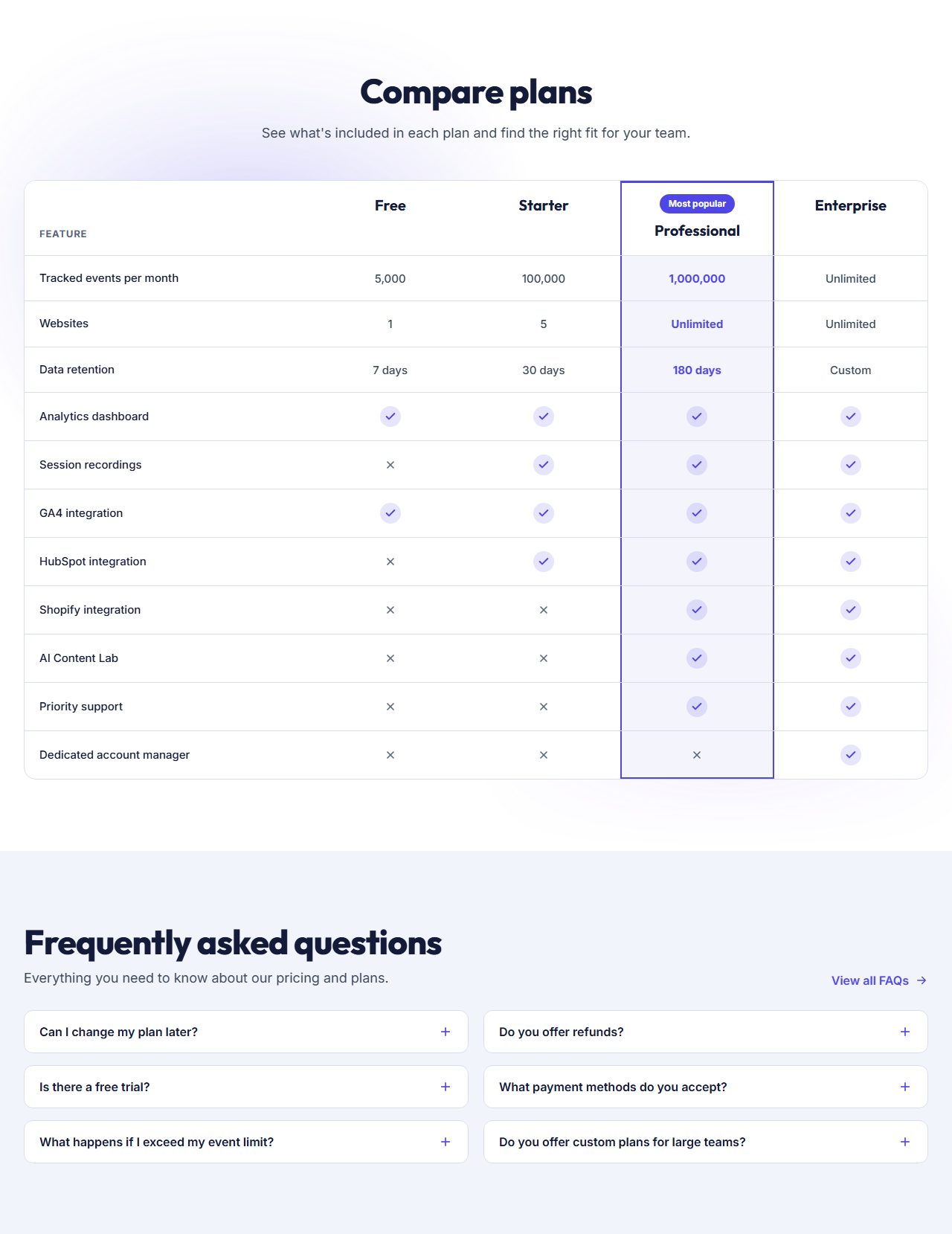
Plan comparison with FAQ
A feature comparison table followed by frequently asked questions.
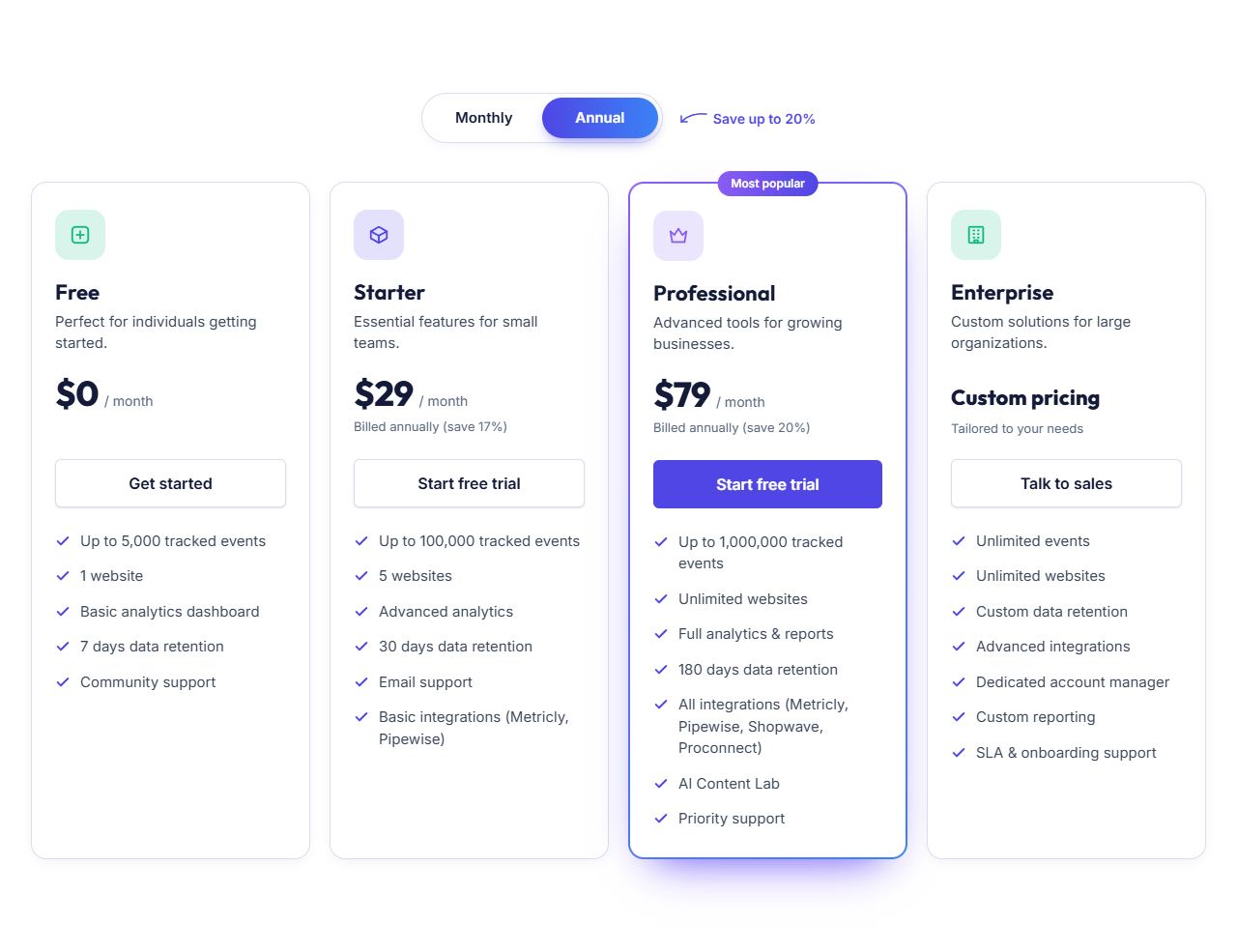
Pricing plans
Pricing plans with a monthly and annual switch and a highlighted plan.
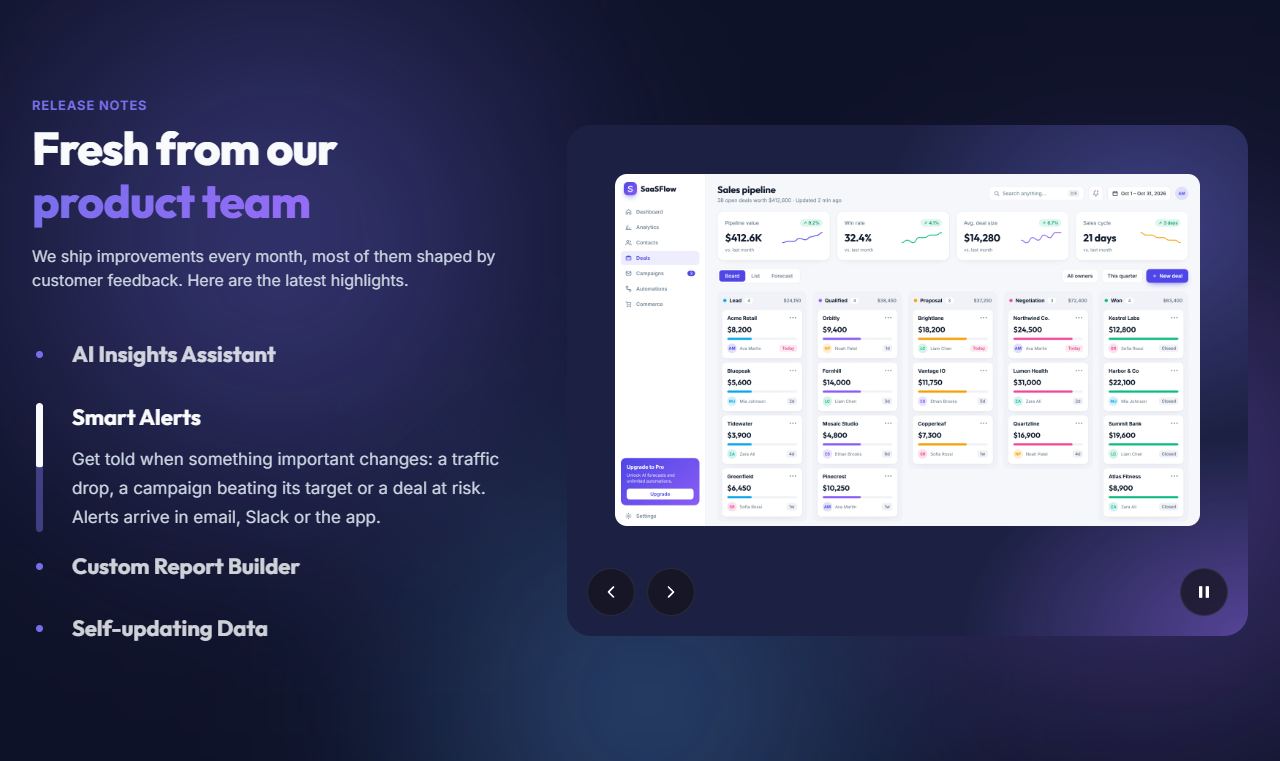
Product updates
Recent product updates that open one at a time with their media.

Product video
A large product video with a play button, a checklist and a button.

Social proof
A customer story with results, followed by boxed customer logos.
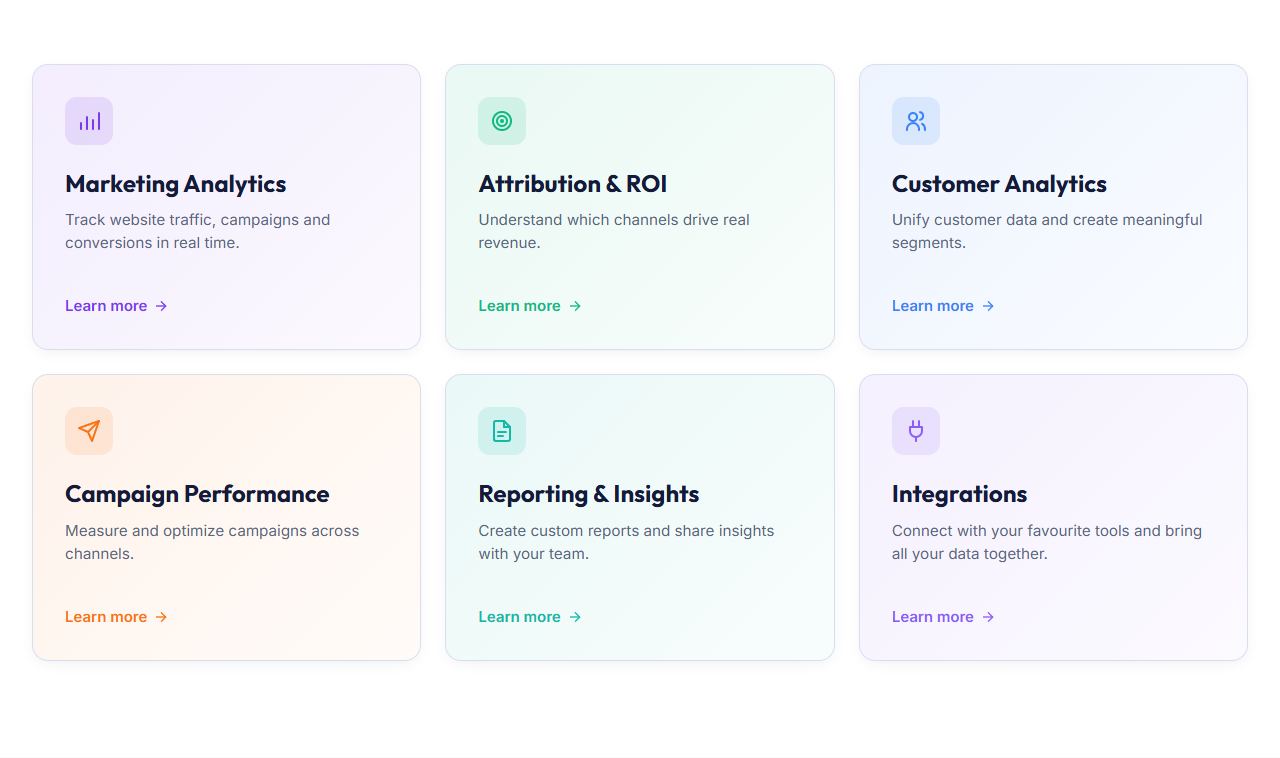
Solution cards
Cards that link to each solution or use case.
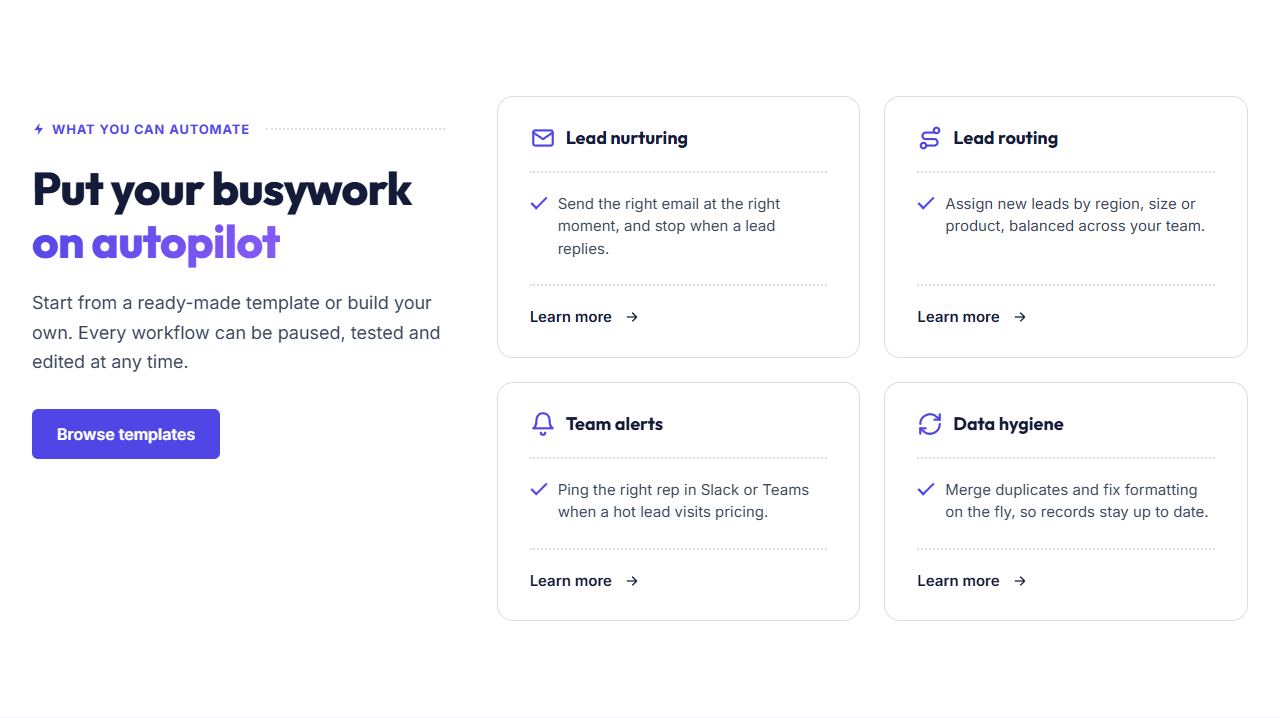
Services with sticky intro
An intro column that stays in view while the service cards scroll past.

Video hover cards
Cards that play a short video when visitors hover over them.